Dental practices
Websites for dental practices
Dental patients check a practice’s website before they call. They want to know whether it takes their plan, what a visit costs without insurance, and what to do when a tooth breaks after hours. This page sets out the pages that answer those questions, with two ClinicBuilds concept sites for fictional dental practices.
The page set
The pages dental patients look for.
Each page answers a question patients would otherwise phone the front desk to ask.
-
Insurance and dental plans
“Do you take my insurance?” can mean “Are you in network?” or “Will you file my claim?”. The page names the PPO dental plans the practice is in network with, says whether it files claims for other plans, and notes that Medicare generally does not cover routine dental care. [7]
The front-desk view: Fewer “Are you in network with my plan?” and “Why didn’t my plan pay the whole bill?” calls.
-
No insurance: an in-house membership plan
Adult dental coverage is not an essential health benefit, so many adults have none. An in-house plan, where the patient pays the office a fixed monthly or yearly amount for preventive care and discounts, serves them. The page sets out what the fee covers and how to join. [5]
The front-desk view: Fewer “What does it cost without insurance?” and “What does the membership include?” calls.
-
Dental emergencies and after hours
Toothaches, chipped teeth and lost fillings come in unplanned. The American Dental Association tells dentists to give after-hours callers clear instructions, including sending life-threatening cases to 911 or the emergency department. The emergency page should say the same thing as the after-hours voicemail. [3]
The front-desk view: Fewer “Can you see me today?” calls, and after-hours callers who know what to do.
-
New patients: the first visit and forms
First-time patients want to know what happens, how long it takes, what to bring, and whether forms can be filled in ahead. Health-history forms belong in the practice’s own secure patient-forms system; the website’s contact form asks for no health details. [1]
The front-desk view: Fewer “What should I bring?” and “Can I do the forms before I come?” calls.
-
Treatments explained in plain language
Patients search for a specific treatment: cleanings, fillings, crowns, whitening, night guards or clear aligners. A plain section for each says what to expect. Dental images and diagrams need alt text, and treatment videos need captions. [1]
The front-desk view: Fewer “Do you do this?” calls before a patient books.
-
Costs, payment plans and financing
Patients ask why dental fees are hard to find. A practice need not publish fees, but it can say how written estimates work, which payment methods it takes, and whether it offers payment plans or outside financing, with plain terms. Deferred interest on medical credit products can come due at the end of a promotional period. [10]
The front-desk view: Fewer “Do you have payment plans?” and “Can I get a price first?” calls.
-
Families and children
The American Dental Association’s patient site says a child’s first visit should come after the first tooth and by the first birthday. Parents also look for back-to-back family appointments, and children’s dental coverage works differently from adults’. [9]
The front-desk view: Fewer “When should my baby first come in?” and “Can you see all three kids at once?” calls.
-
Nervous patients
Dental anxiety keeps people from booking. A calm section on how the practice handles nervous patients, such as explaining each step, taking breaks and no judgment after a long gap, answers the question patients are embarrassed to ask by phone. It lists only comfort options the practice offers.
The front-desk view: Fewer hesitant callers asking “It’s been years; will I be judged?”.
-
Hours, booking and accessibility
Evening and Saturday hours, parking, a step-free entrance and a link to the practice’s online scheduling answer the most routine questions. Practices that receive federal health funding, such as Medicaid or CHIP dental providers, also face Section 504 web accessibility rules, which apply WCAG 2.1 AA to websites, online forms and scheduling tools. [2]
The front-desk view: Fewer “Are you open Saturdays?”, “Where do I park?” and “Can I book online?” calls.
Concept sites
Two dental concept sites.
These are concept builds made to show what ClinicBuilds can create for each specialty. The practices, people, and details are fictional.
-
Concept site — fictional practice
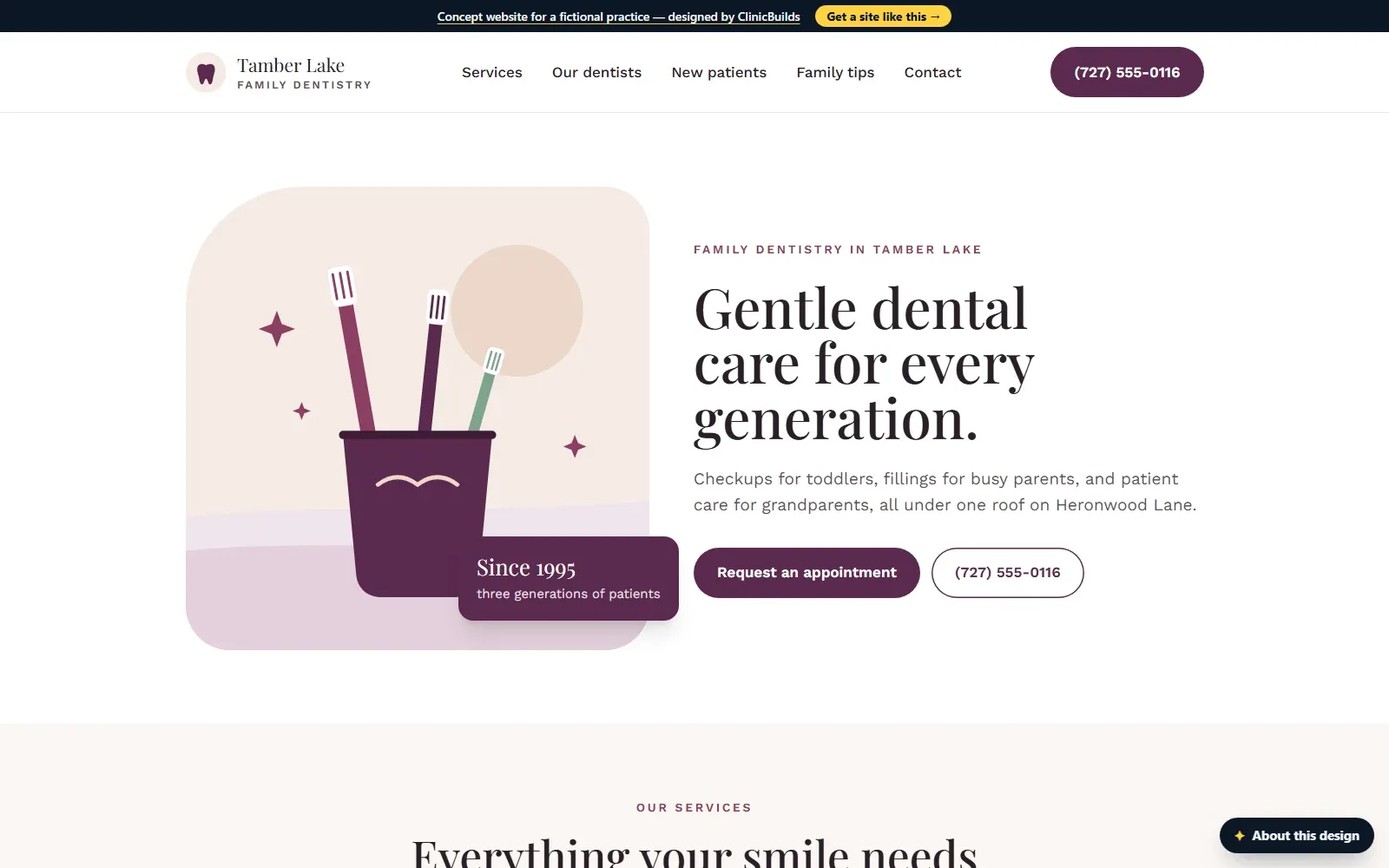
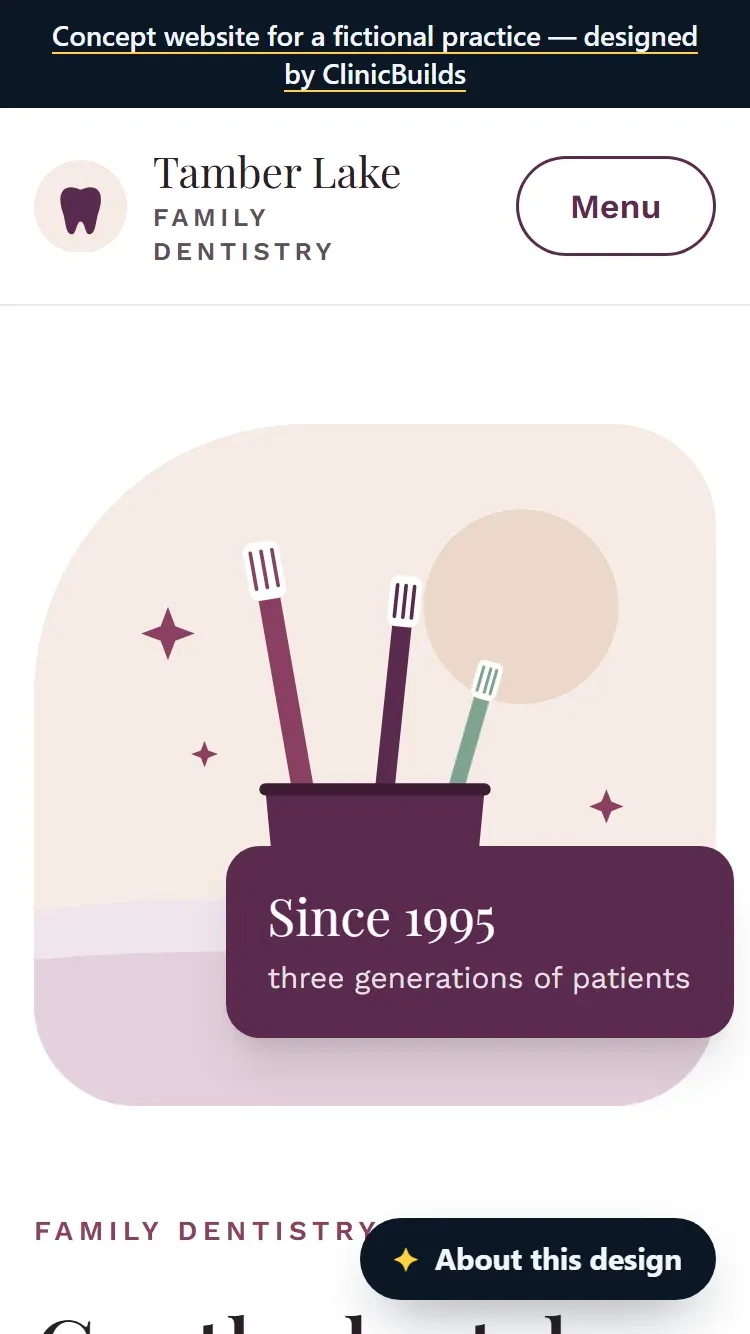
Tamber Lake Family Dentistry
Dental · Established practice
- The home page says the practice works with most major PPO dental plans, files claims and offers payment plans for larger treatments.
- The new-patient page lists what to bring and welcomes children from around their first birthday, with back-to-back family appointments.
- An urgent-visits service covers toothaches, chipped teeth and lost fillings, and nervous patients get their own section.
-
Concept site — fictional practice
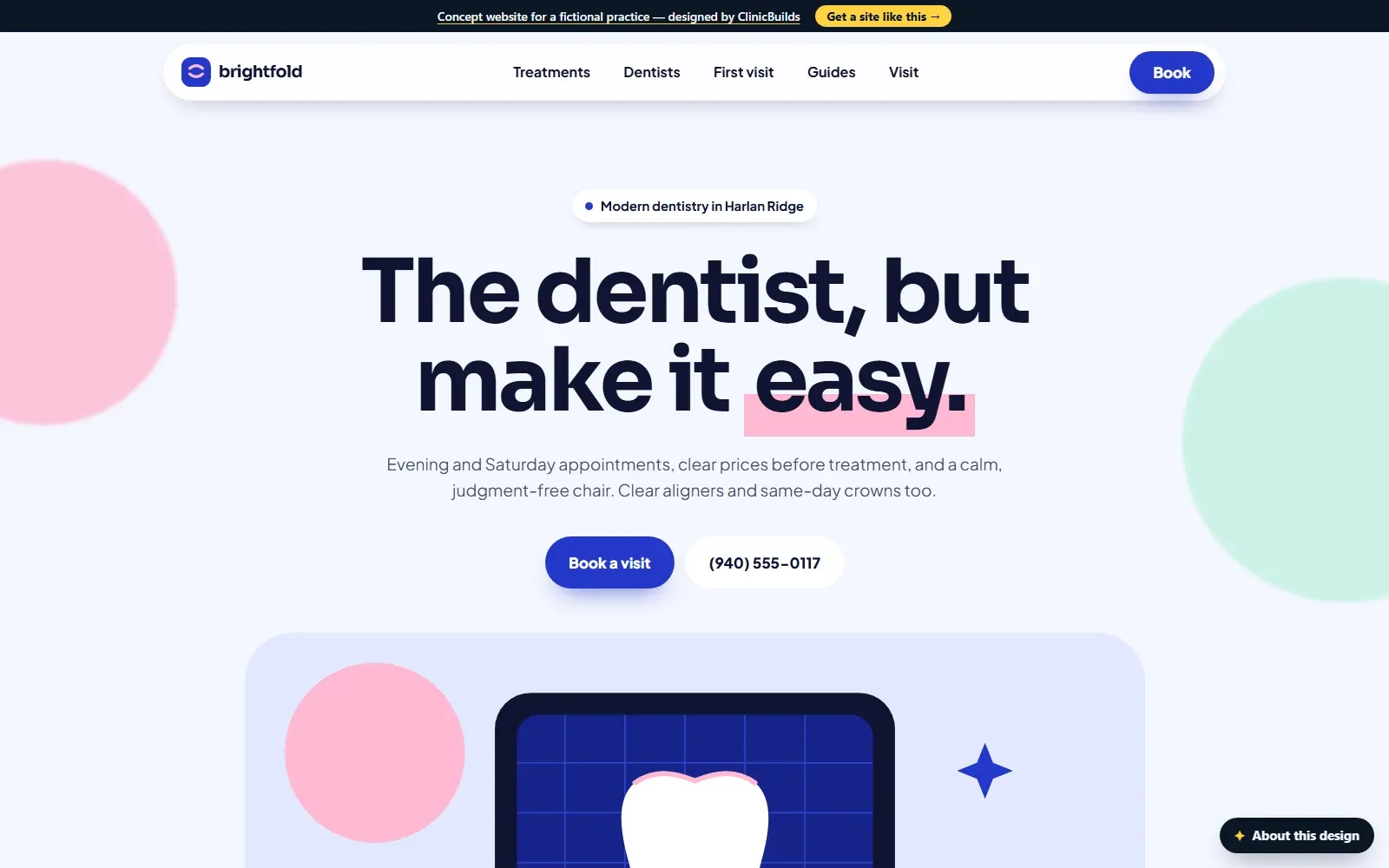
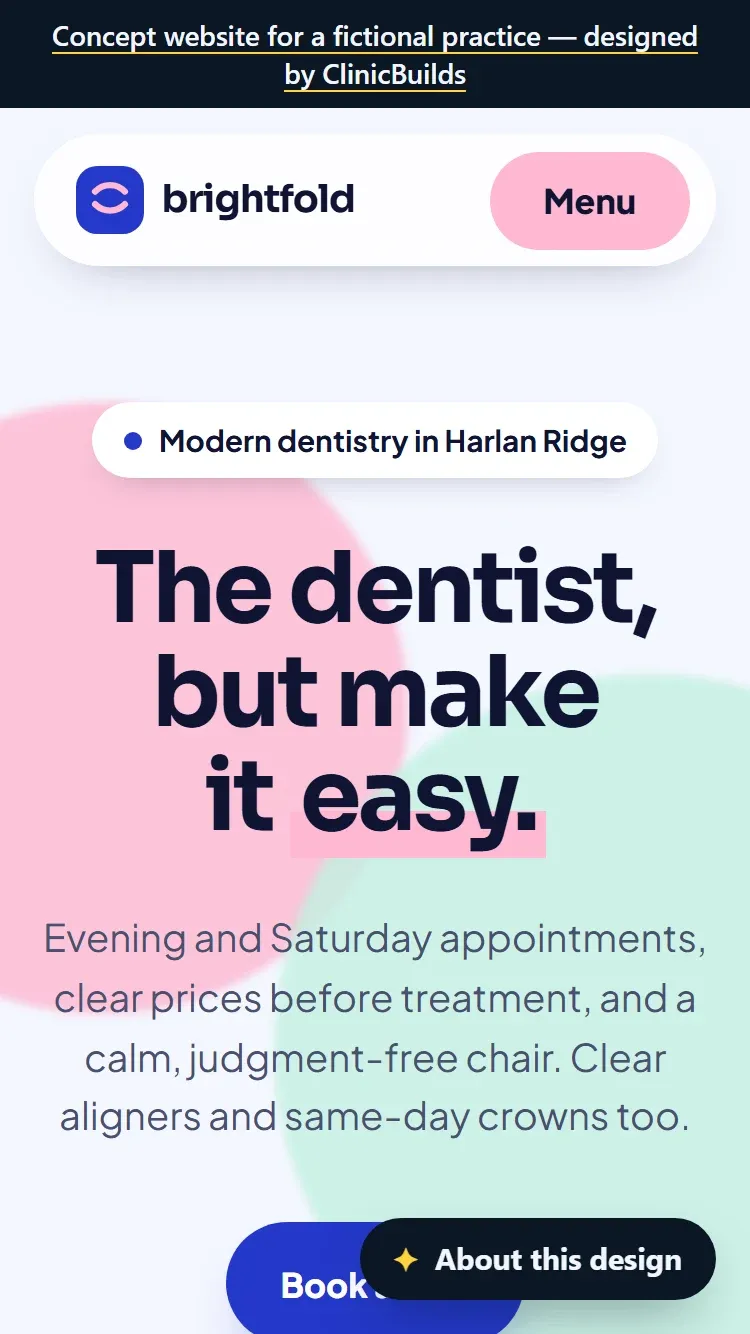
Brightfold Dental
Dental · New practice
- A “No insurance? No problem.” section explains an in-house membership with one yearly fee for routine care and savings on other treatment.
- The process puts options and prices in writing before treatment, and the first-visit questions cover benefits checks and claim filing.
- Evening and Saturday hours and same-day appointments for toothaches are shown up front.
Questions
Questions dental practices ask.
- “How much does a dental website cost?”
- It depends on scope: how many pages, custom design or a template, and whether an existing site needs redirects. At ClinicBuilds a new website starts from $2,499 one-time, and you get a fixed quote before any work starts.
- “Is an in-office dental plan right for your practice?”
- That is a business decision for the practice. If it offers one, the website should explain it on its own page: the monthly or yearly fee, what it covers, the discounts on other treatment, and how to join or cancel.
- “Why doesn’t my insurance cover all the costs of my dental treatment?”
- Patients ask this at the front desk after a bill arrives. The insurance page can answer it ahead: dental plans set their own limits and waiting periods, being in network is not the same as full coverage, and the office checks benefits before treatment.
- “Can you tell me why most dentists don’t post their fees on their websites?”
- Treatment prices depend on the examination, so many practices don’t list them. The website can still say how estimates work, give the membership plan fee if there is one, and list the payment options, so patients are not left guessing.
- “The Most Important Question to Ask New Patients During The First Phone Call”
- Office managers train the front desk to make the first call about the patient. The website can carry the routine answers, such as plans accepted, hours, what to bring and how emergencies work, so that call has room for the patient’s own reasons for calling.
Building it
What a ClinicBuilds new website includes.
- Custom design for the practice (not a template)
- Up to 8 pages
- Mobile-first, fast-loading build
- On-page SEO basics: titles, descriptions, structured data, sitemap
- Click-to-call and a link to the practice's existing online scheduling (if any)
- Google Business Profile link-up
- 30 days of post-launch fixes
A new website starts from $2,499 one-time. You get a fixed quote before any work starts.
The Section 504 rule applies to practices that receive federal health funding, and its compliance dates have already been extended once: the Federal Register notice above gives 11 May 2027 for practices with 15 or more employees and 10 May 2028 for smaller ones. Whether the rule covers a particular practice is a legal question. This is general information, not legal advice.
Sources
- American Dental Association: Digital Accessibility Guide, Section 504
- Federal Register: Section 504 web accessibility compliance dates extended (2026-09266)
- American Dental Association: Emergency treatment
- MouthHealthy (American Dental Association): Dental emergencies
- American Dental Association: Is an in-office dental plan right for your practice?
- HealthCare.gov: Dental coverage in the Marketplace
- HealthCare.gov: Network
- Medicare.gov: Dental services
- MouthHealthy (American Dental Association): Your baby’s first dental visit
- Consumer Financial Protection Bureau: Report on medical credit cards and loans
Get started
Want a site like this for your dental practice?
Get a free, no-obligation review of your practice's current online presence. Replies within one business day.